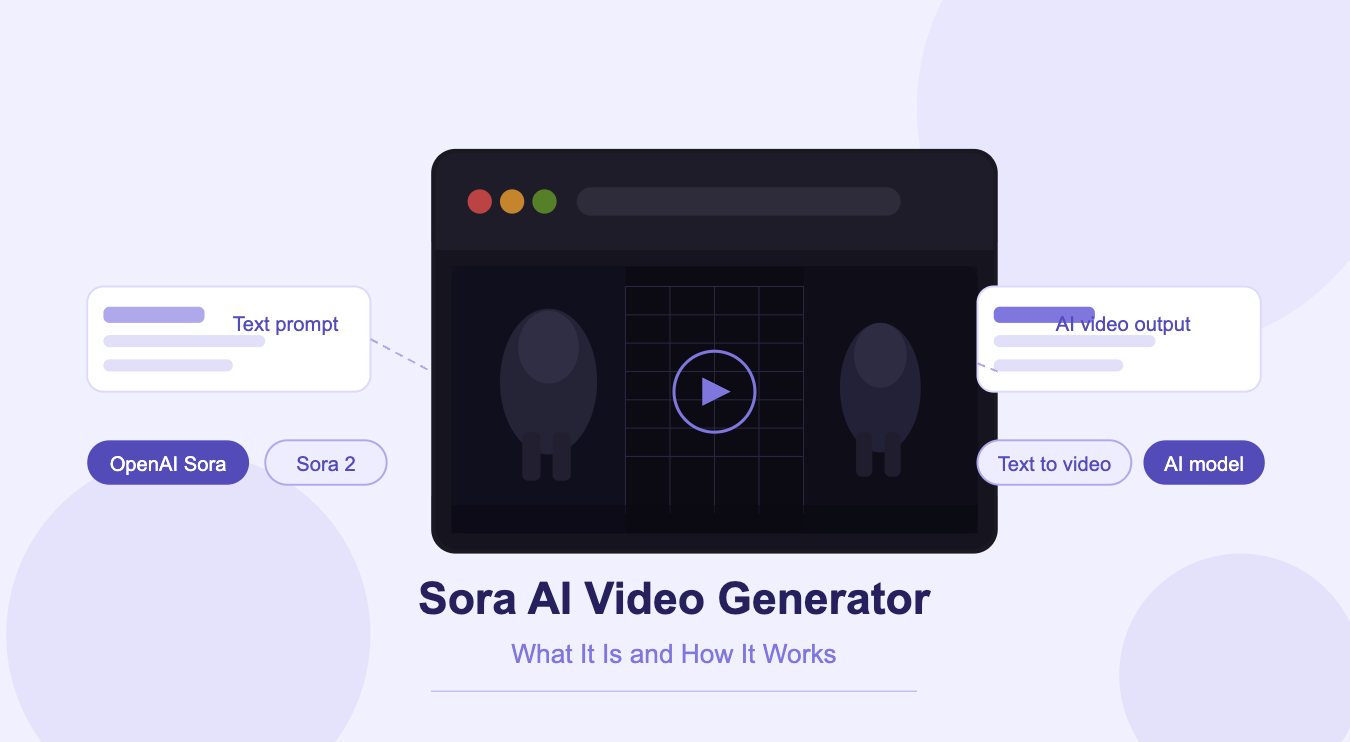
AI video generation has taken a significant leap forward with the arrival of Sora, OpenAI’s text-to-video model. Where earlier tools produced choppy, inconsistent clips that quickly gave away their artificial origins, Sora generates footage that holds together across frames, physically coherent, cinematically styled, and driven entirely by a written prompt. This guide breaks down what Sora actually is, how it works under the hood, what the upgraded Sora 2 brings to the table, and how you can start using it today.
What Is Sora AI?
Sora is a generative AI model developed by OpenAI, designed specifically to convert natural language text prompts into short, photorealistic video clips. First announced in February 2024, it represented a meaningful departure from prior text-to-video systems because of one defining capability: scene coherence. Rather than generating individual frames and stitching them together, Sora builds an understanding of physical space and motion, producing videos where objects, characters, and environments behave consistently throughout the clip.
OpenAI describes its goal with Sora as teaching AI to understand and simulate the physical world in motion, not just to make videos look good, but to model how things actually move and interact in real life. The result is a model that can handle complex multi-character scenes, consistent camera movement, and nuanced prompts without the usual visual collapse that plagues competing tools.
How Does Sora Work?
Sora uses a diffusion transformer architecture, combining the strengths of diffusion models (which are widely used in image generation) with the contextual understanding of transformer-based language models. When you submit a text prompt, Sora interprets it across multiple dimensions, the objects present, their physical properties, how they relate to each other spatially, how they move over time, and what the camera is doing in relation to all of it.
This is what separates Sora from simpler video generators. A prompt like “a stylish woman walks down a rainy Tokyo street at night” doesn’t just produce a walking figure on a dark background, it produces wet pavement that reflects neon signs, a convincing stride, and a consistent scene as the camera follows her. The model maintains what researchers call temporal coherence, meaning the physics and visual logic of the scene don’t break down as the clip progresses.
Key technical capabilities include:
- Multi-character scene generation with consistent identity across frames
- Camera movement control (tracking shots, pans, close-ups)
- Accurate simulation of real-world physics and lighting
- Storyboard mode for multi-shot video sequences
- Remix, Loop, Re-cut, and Blend editing tools post-generation
Sora 2: What Changed?
OpenAI released Sora 2 in September 2025, describing it as a major leap in controllability, realism, and audio integration. If the original Sora was the GPT-1 moment for video generation, OpenAI positions Sora 2 as its GPT-3.5 equivalent, a step-change rather than an incremental update.
The most significant additions in Sora 2 include:
- Synchronized audio: Sora 2 generates synchronized dialogue, sound effects, and background audio natively. Voices move with lip movements; soundscapes match the visual environment.
- Advanced physics modeling: The model better handles cause-and-effect scenarios. If a basketball misses a shot, it rebounds off the backboard correctly.
- Cameo / Characters feature: Users can inject real people or objects from the physical world directly into Sora-generated scenes with accurate likeness and voice.
- Longer, multi-shot sequences: The model follows intricate instructions spanning multiple shots while maintaining consistent world state throughout.
Sora 2 also launched as a standalone social iOS app, where users can create, share, and remix AI-generated video content within a community feed.
How to Use Sora AI Video Generator
Accessing Sora directly through OpenAI requires a paid ChatGPT Plus or Pro subscription, and availability is currently limited to select countries. This creates a barrier for many creators and marketers who want to use the model without regional restrictions or subscription requirements.
An accessible alternative is invideo, which became the first platform to offer unrestricted global access to Sora 2 through a direct partnership with OpenAI. Through invideo, users can generate Sora 2 videos without invite codes, waitlists, or the standard 10-second clip limit. The platform layers sora video generator capabilities on top of a full video production suite, scripting, voiceover, editing, and export, so creators can go from idea to finished video in a single workflow.
To get started with Sora 2 on Invideo:
- Create an account at invideo website
- Open the AI Video Generator and select Sora 2 as your model
- Enter a detailed text prompt describing your scene
- Edit, export, and publish, without watermarks on paid plans
Invideo’s paid plans start at $28/month (Plus), with higher-tier plans offering more Sora 2 generation credits and longer video durations.
Sora’s Limitations
Despite its capabilities, Sora is not without constraints. Simulating complex simultaneous interactions, multiple characters performing precise physical actions at once, remains a weak point. Generation times can be significantly longer than competing models due to high computational demands, particularly during peak usage hours. Detailed prompt engineering is also required to get precise results; vague prompts tend to produce generic output.
For creators who need fast, high-volume output, social media clips, product ads, short-form content, a platform like invideo that pairs Sora 2’s realism with automated production tools offers a more practical solution than using Sora directly.
Final Thoughts
Sora AI video generator represents a genuine advancement in what generative video is capable of. Its underlying approach, simulating physics, maintaining scene coherence, and interpreting prompts with spatial intelligence, sets a new standard for the category. With Sora 2 pushing further into synchronized audio, advanced physical realism, and social sharing, the gap between AI-generated and professionally filmed video continues to close.
For creators who want to access that capability today, without geographic restrictions or clip-length limits, invideo Sora 2 integration is the most accessible entry point currently available.